
IndiBet APK Download
Get the IndiBet app on Android or iOS. Tap, install, log in. UPI deposits inside the app. Bet on IPL, play Teen Patti, withdraw in 30 minutes.
Choose Your Platform
IndiBet APK for Android
v2.1.0 | 38 MB | Android 7.0+
Direct APK download. No Play Store needed.
 Download APK
Install in 4 Steps
From download to first bet in under 3 minutes.
Download the APK
Tap the Android button. The APK downloads to your phone.
Allow Unknown Sources
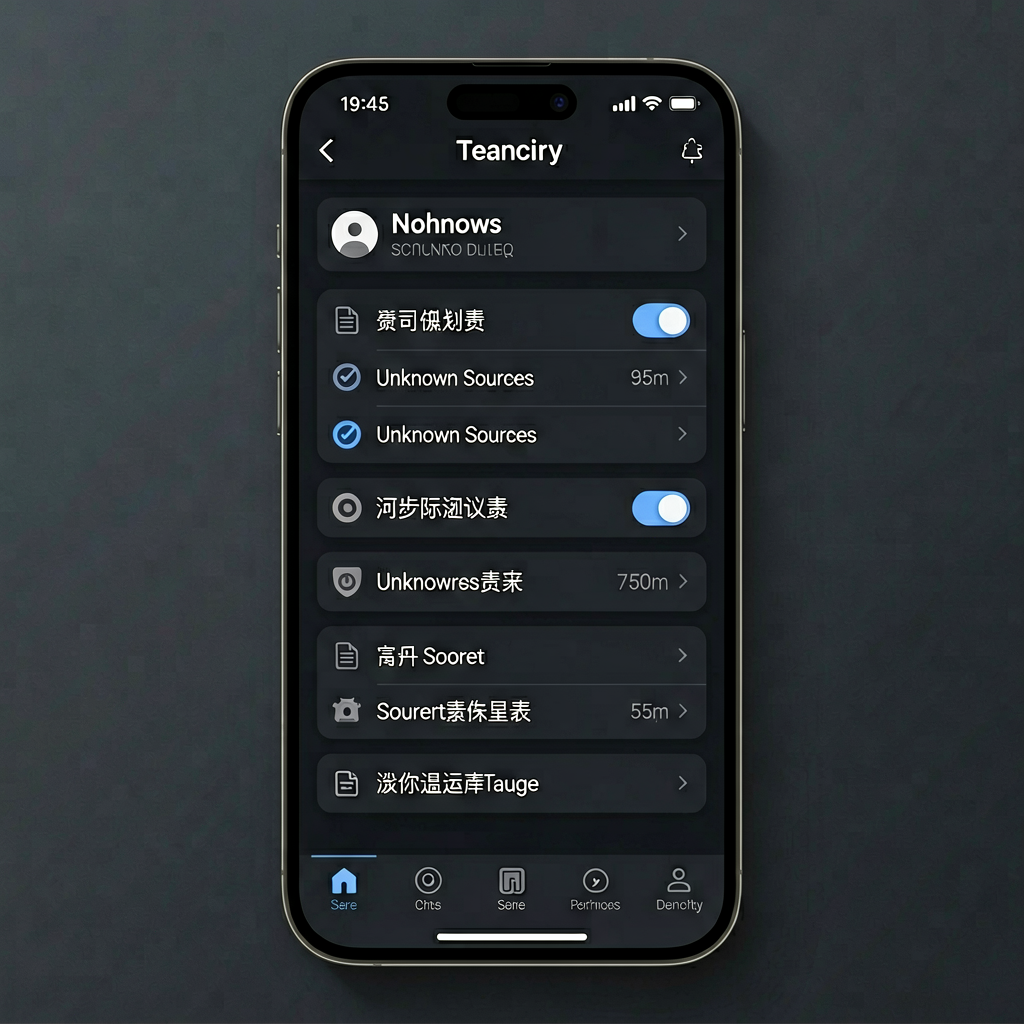
Settings > Security > Enable install from unknown apps for your browser.
Install and Open
Tap the APK. Confirm install. Open the app.
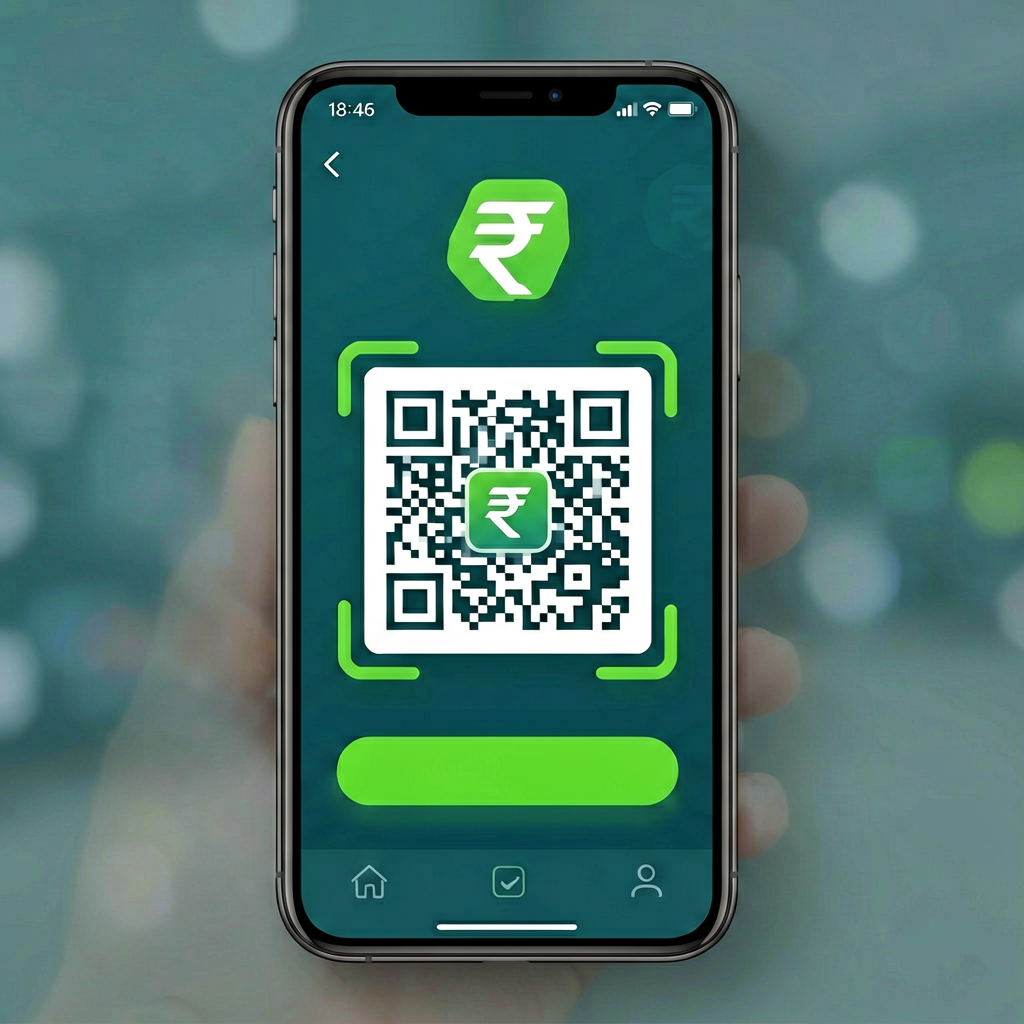
Deposit and Play
OTP login, deposit ₹100 via UPI. Get 100% bonus. Start playing.
IndiBet APK Download for Android
The IndiBet Android app is 38 MB. It runs on Android 7.0 (Nougat) and above. If your phone was made after 2018, it will work. The app works on Samsung, Xiaomi, OnePlus, Realme, Vivo, Oppo, Motorola, and all Android brands.
The APK is not on Google Play Store. Google does not allow real-money betting apps in India. You download it directly from this page. The file is digitally signed by IndiBet. Your phone will warn about "unknown sources" because the file is not from Play Store. This is normal for all betting apps in India.
System Requirements
| OS | Android 7.0 (Nougat) or above |
| RAM | 2 GB minimum, 4 GB recommended |
| Storage | 100 MB free space |
| File Size | 38 MB |
| Version | 2.1.0 |
| Connection | 3G, 4G, 5G, or Wi-Fi |
Detailed Android Install Steps
- Download: Tap the "Download APK" button above. The file saves to your Downloads folder. File name:
indibet-v2.1.0.apk. - Allow unknown sources: Open Settings > Security (or Settings > Apps > Special access > Install unknown apps). Find your browser (Chrome, Samsung Internet, etc.). Toggle "Allow from this source" to ON.
- Install: Open your Downloads folder. Tap
indibet-v2.1.0.apk. Tap "Install". Wait 10-15 seconds. The app icon appears on your home screen. - Open and register: Tap the IndiBet icon. Tap "Sign Up". Enter your phone number. Enter the OTP sent via SMS. Set a password. Pick your welcome bonus (sports or casino).
- Deposit: Tap "Deposit". Choose UPI. Enter your UPI ID or scan the QR code. Approve the payment in your UPI app. Minimum ₹100. Money lands instantly. 100% bonus hits your account.
Total time: 2-3 minutes. No documents needed for signup. KYC verification happens when you withdraw for the first time.
How to Allow Unknown Sources on Different Android Brands
Samsung (One UI): Settings > Apps > Special access > Install unknown apps > Chrome > Allow from this source > ON.
Xiaomi (MIUI): Settings > Privacy > Special permissions > Install unknown apps > Chrome > Allow from this source > ON.
Stock Android: Settings > Security > Unknown sources > ON.
Common APK Install Problems and Fixes
"App not installed" error: Your Android version is below 7.0, or not enough storage. Check Settings > About phone > Android version. Free up at least 100 MB.
"For your security, your phone is not allowed to install unknown apps": You have not enabled unknown sources. Follow the steps above for your phone brand.
"There was a problem parsing the package": The APK file is corrupted. Delete it and download again. Make sure your internet is stable.
App crashes on open: Clear the app cache. Settings > Apps > IndiBet > Storage > Clear Cache. Restart. If it still crashes, reinstall.
IndiBet App Download for iOS
The IndiBet iOS app is 42 MB. It runs on iOS 13.0 and above. Compatible with iPhone, iPad, and iPod Touch. The app supports Face ID and Touch ID for one-tap login.
The iOS app is not on the App Store. Apple has the same policy as Google for real-money betting apps in India. You install it via a configuration profile. This is the same method used by 1xbet, 10Cric, and Betway.
iOS System Requirements
| OS | iOS 13.0 or above |
| Device | iPhone 7+, iPad (2018+), iPod Touch (7th gen) |
| Storage | 100 MB free space |
| File Size | 42 MB |
| Version | 2.1.0 |
| Biometric | Face ID / Touch ID supported |
Detailed iOS Install Steps
- Download the profile: Tap the "Download for iOS" button above. Your browser downloads a configuration profile.
- Allow the profile: Open Settings > General > VPN & Device Management. You see "IndiBet" listed. Tap "Install". Enter your passcode.
- Trust the developer: Go to Settings > General > Profiles & Device Management. Tap "IndiBet". Tap "Trust".
- Open the app: The IndiBet icon appears on your home screen. Tap it. Sign up or log in.
- Enable Face ID: The app asks if you want Face ID. Tap Yes. One tap opens the app from now on.
Total time: 90 seconds. Your balance, betting history, and bonuses sync with the Android app and the website.
Register and Verify via the App
Creating an account inside the IndiBet app takes 60 seconds. You need your phone number and an OTP. No email needed. No documents needed for signup.
Step by Step Registration
- Open the app. Tap "Sign Up" at the bottom.
- Enter your mobile number (10 digits).
- Enter the OTP sent via SMS. Expires in 5 minutes.
- Set a password (8+ characters).
- Pick welcome bonus: Sports or Casino.
- Tap "Create Account". Deposit ₹100 to start.
Account Verification (KYC)
You do not need to verify to sign up, deposit, or play. KYC happens when you withdraw for the first time. Upload your PAN card and proof of address (Aadhaar, passport, or utility bill). Verification takes 4 to 24 hours.
Payment Methods in the App
Deposit and withdraw inside the app. No browser redirect. UPI, Paytm, PhonePe, Google Pay, Visa, Mastercard, and bank transfer. All in rupees.
| Method | Type | Min | Time |
| UPI | Deposit + Withdrawal | ₹100 | Instant / 30 min |
| Paytm | Deposit | ₹100 | Instant |
| PhonePe | Deposit | ₹100 | Instant |
| Google Pay | Deposit | ₹100 | Instant |
| Visa/Mastercard | Deposit + Withdrawal | ₹500 | Instant / 1-2 days |
| Bank Transfer | Withdrawal | ₹500 | 1-2 days |
All deposits are free. No fees on UPI withdrawals. Everything stays in INR.
Why the IndiBet App?
3x Faster
Games load 3x faster than browser. No loading screens between games.
One-Tap Login
Face ID or fingerprint. No password typing. Balance syncs with website.
App-Only Bonuses
Daily login rewards, push alerts, mobile-only free spins during IPL.
UPI Built-In
Deposit and withdraw in rupees. UPI, Paytm, PhonePe, Google Pay.
Live IPL
Bet ball-by-ball on IPL. Live odds in real time. Cash out anytime.
Locked Down
App-level encryption, biometric lock, auto session timeout.
App Pros and Cons
✅ Pros
- ✓ 3x faster than mobile browser.
- ✓ One-tap Face ID login.
- ✓ UPI deposits inside the app.
- ✓ 30-minute UPI withdrawals.
- ✓ App-only bonuses and free spins.
- ✓ Push notifications for live odds.
❌ Cons
- ✗ iOS app not on App Store. Install via profile.
- ✗ Android needs unknown sources permission.
- ✗ 38 MB download size.
- ✗ No tablet-optimized layout yet.
IndiBet App vs Mobile Browser
Should you install the APK or just use the website? Here is the real difference.
| Feature | IndiBet App | Mobile Browser |
| Load speed | 3x faster | Standard |
| Login | Face ID / fingerprint | Type password every time |
| UPI deposit | Built-in UPI flow | Redirect to browser UPI |
| Push alerts | Live odds, bonus alerts | No alerts |
| App-only bonuses | Daily login reward, free spins | Not available |
| Data usage | Lower (cached assets) | Higher (reloads each visit) |
| Battery drain | Optimized | Higher (browser overhead) |
The app wins on every metric that matters. Tap IndiBet Download APK to get started.
App FAQ
Yes. Free on iOS and Android. No hidden charges. You only deposit money when you choose to play for real.
Yes. The APK is digitally signed and verified. Enable unknown sources in Settings > Security for your browser.
Yes. Balance, history, bonuses, and settings sync across all devices in real time.
Yes. UPI, Paytm, PhonePe, Google Pay, and bank transfer. Minimum ₹100. Instant. Zero fees.
Android 7.0 and above. iOS 13 and above. If your phone was made after 2018, it works.